




Where each tool fits
| Task | Spreadsheets | PiloBuild |
|---|---|---|
| Measurement | An estimator enters quantities from a separate takeoff. | Check the sheet’s scale and review quantities against the drawing. |
| Pricing | Build formulas around the company’s units, rates and allowances. | Keep quantities, rate inputs and source references connected. |
| Revision review | Track which inputs changed using your own workbook process. | Use the drawing revision and evidence when rechecking affected quantities. |
| Handoff | Share a workbook or PDF using your current process. | Export reviewed data for the workbook or a project record. |
Keep your current estimate format
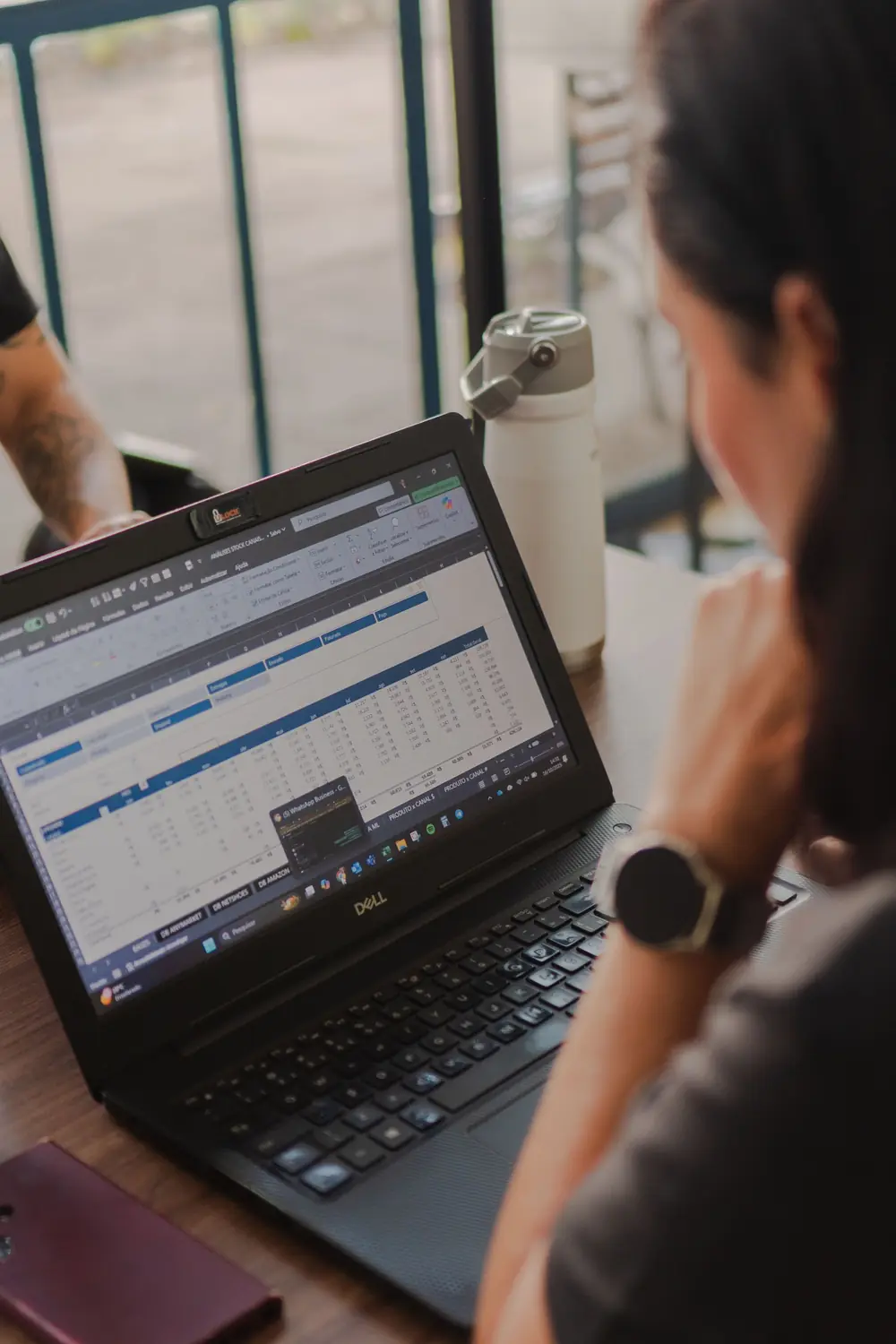
During a pilot, compare the exported quantities, units and assumptions with your workbook. Decide how line items map to your cost codes and how the reviewer should resolve missing or conflicting information.
Questions about the workflow
Do our rate formulas need to change?
Your workbook can retain its existing cost formulas and rate library. Compare the exported input columns on one job before changing any process.
What should we validate?
Check the drawing revision, sheet scale, units, classifications and exclusions against your existing takeoff.